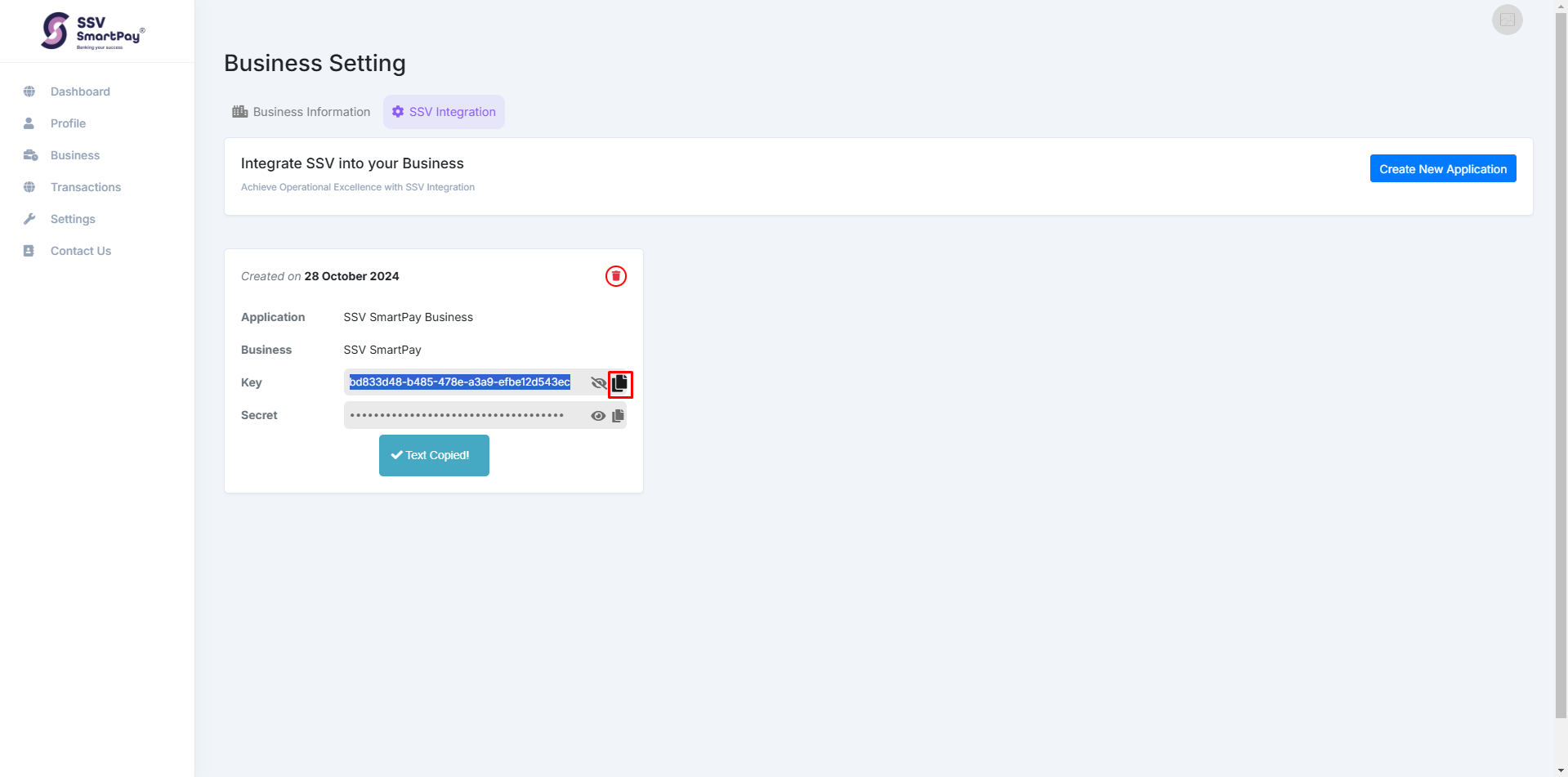
Through any of these platforms, merchants can easily onboard, complete the KYC process, and start integrating SSV Smart Pay for their payment needs.
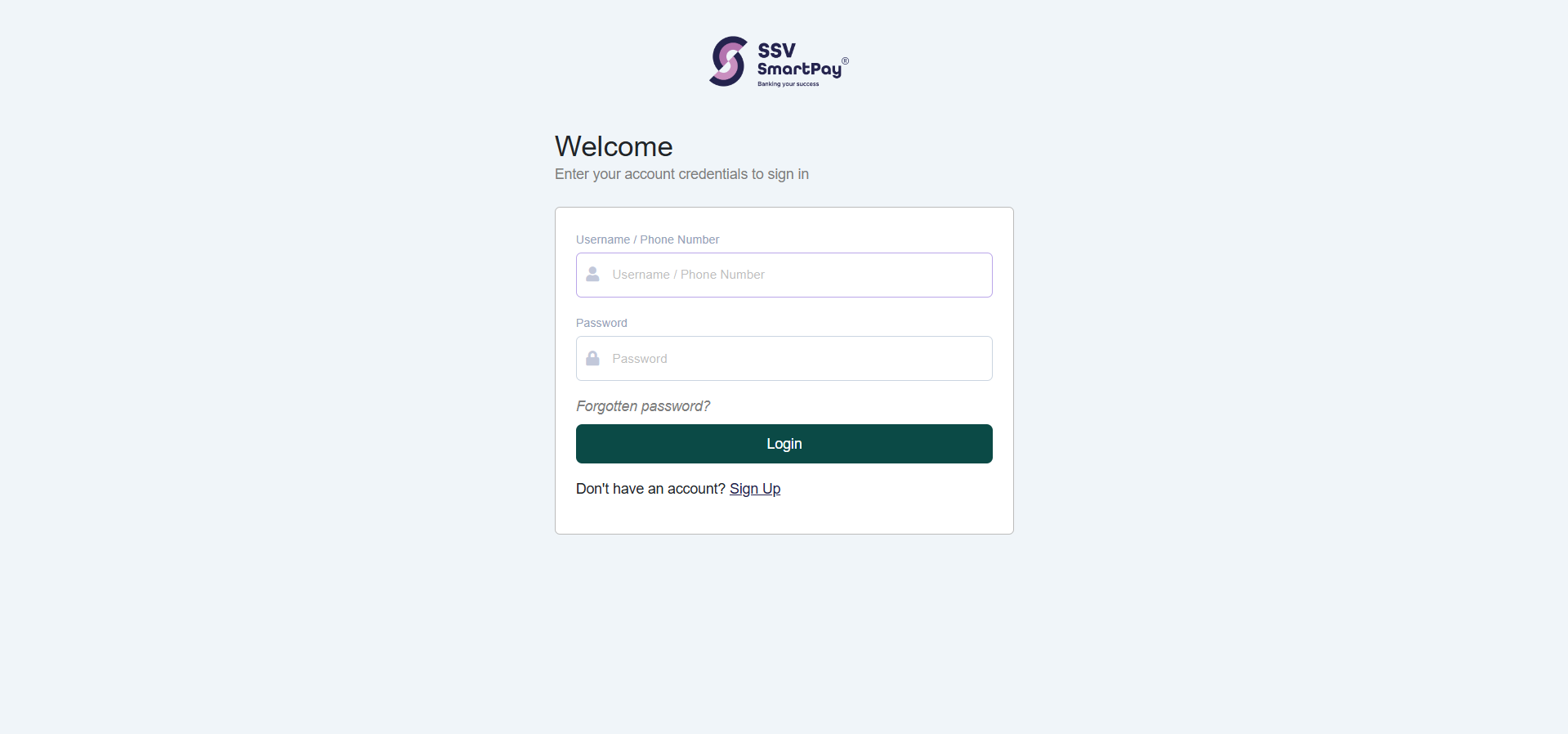
1. Log In: Go to https://app.ssvsmartpay.co/ and log in with your credentials.
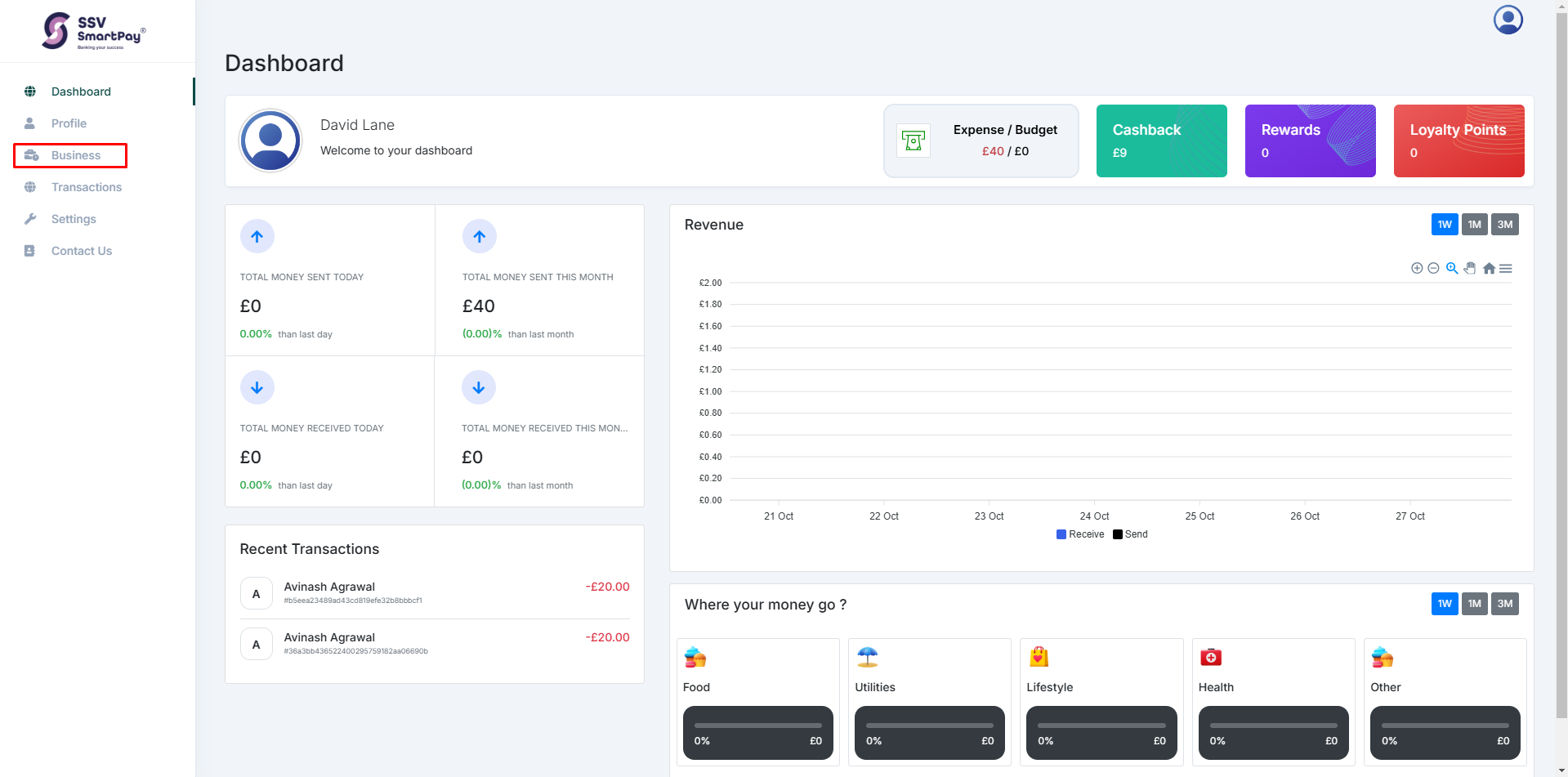
2. Navigate to Business Dashboard: Once logged in, select Business from the side menu to access your business dashboard.
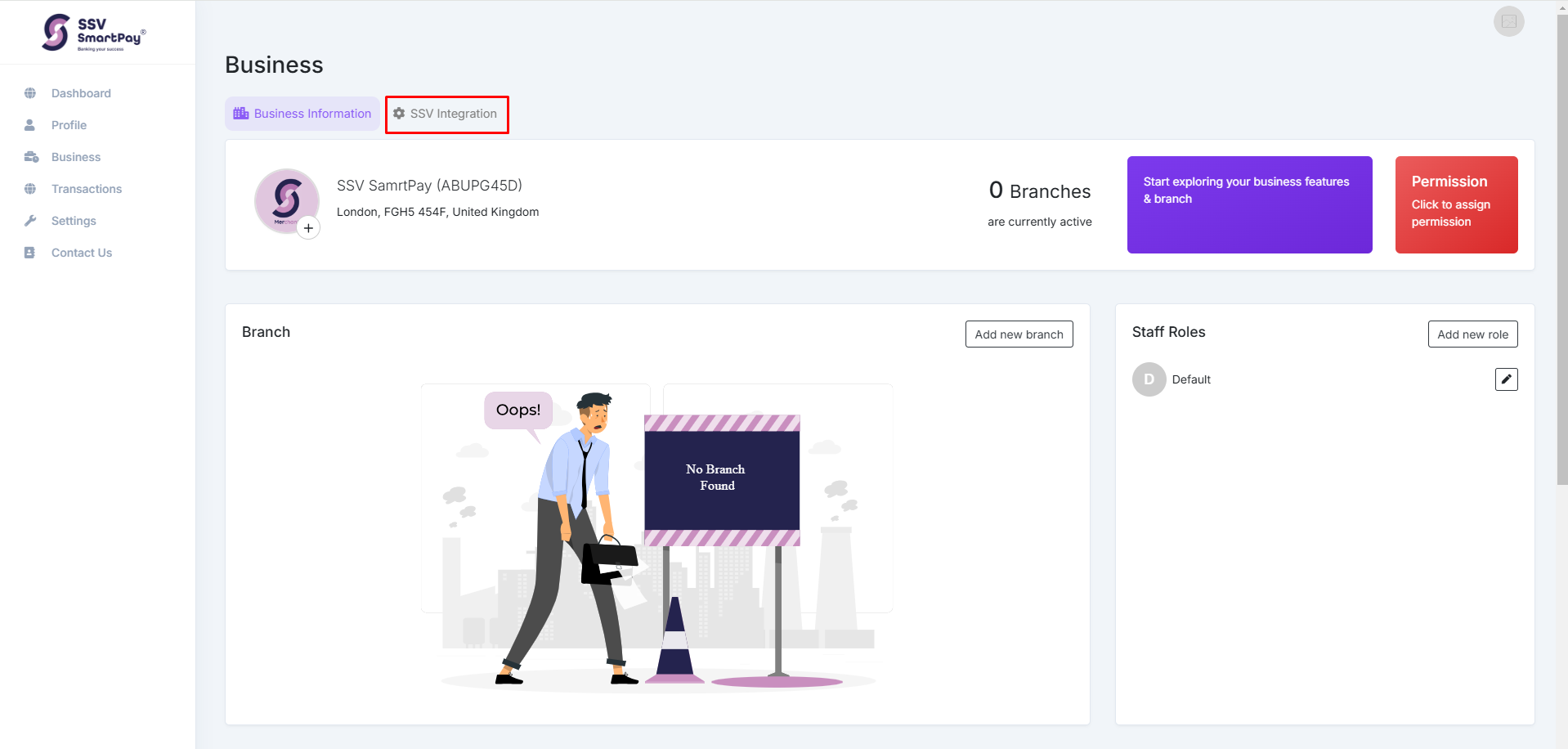
3. Go to SSV Integration: In the top bar, click on SSV Integration.
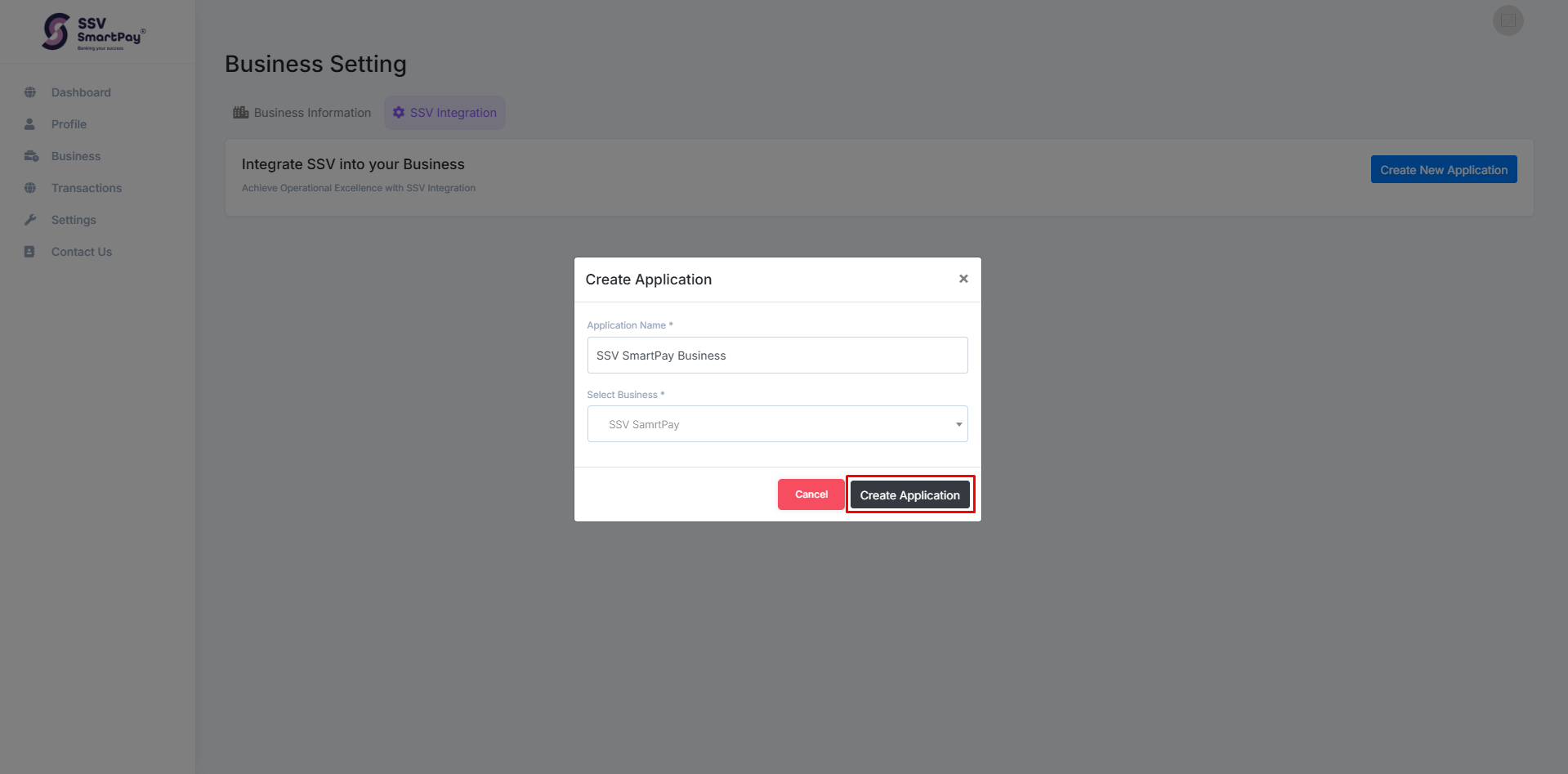
4. Create a New Application: Click on Create New Application in the top right.

5. Enter Application Details: Name your application and select the relevant business or branch from the list.
6. Access Key and Secret: After creating the application, your Key and Secret will be available.